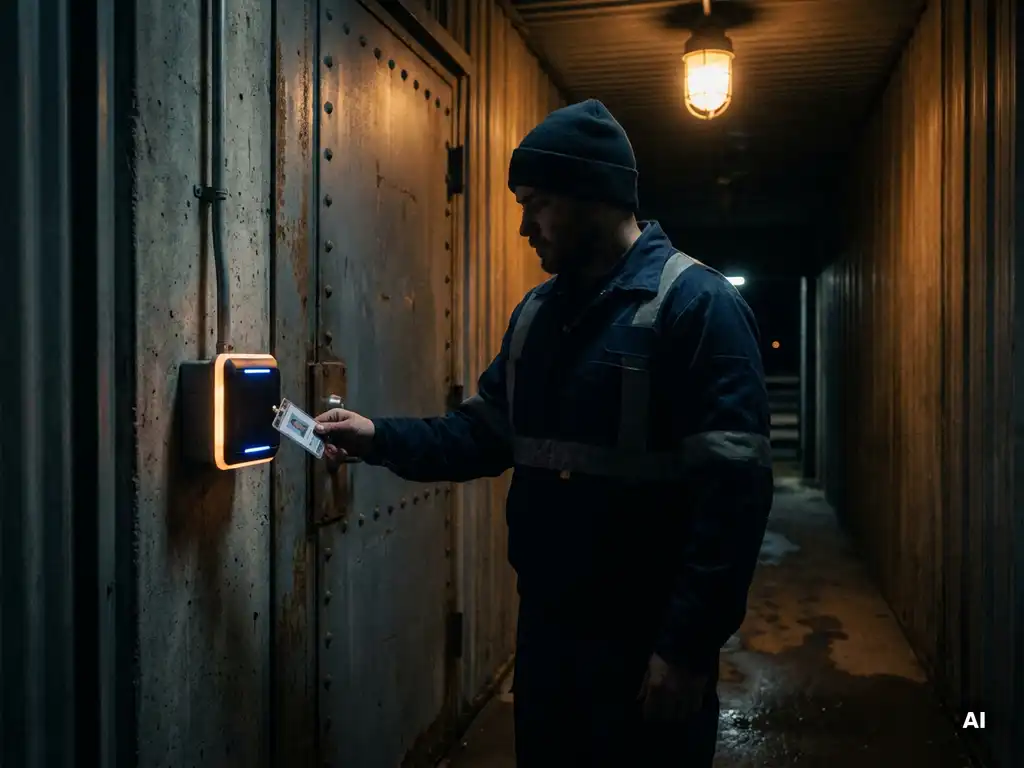
How do you arrange access for employees on the night shift?
You manage access for employees on the night shift by setting up the right combination of access methods, clear authorization levels, and active monitoring. Not every employee needs access to every part of the building, and different risks apply at night than during the day. In this article, we answer the most frequently asked questions about access control during night shifts, from choosing the right method to applicable laws and regulations. Do you want immediate advice? Feel free to contact us with Sellox.
Which access methods are suitable for the night shift?
For night shifts, electronic access methods are most suitable, such as keypads with PIN codes, card readers, biometric scanners, or smart locks with time-limited access. These methods offer the ability to automatically restrict access to specific time windows, ensuring employees only have access when their shift is active.
Physical keys are strongly discouraged in a night shift context. They are difficult to trace, can be copied, and do not record who enters when. Electronic systems solve this by capturing every access attempt with a timestamp and user identification.
Biometric methods, such as fingerprint scanners or facial recognition, add an extra layer of security because they are non-transferable. This is particularly valuable in environments with limited supervision, which is almost always the case at night. Systems with multi-factor authentication, which require both a card and a PIN, offer a good balance between ease of use and security.
How do you set up different access levels per employee?
You set different access levels via a central management system that determines, per employee or job group, which zones are accessible and at what times. This is also known as role-based access management: access rights follow the job title, not the person.
A good approach works as follows:
- Determine which zones exist in the building, such as reception, server room, warehouse, and offices.
- Assign a minimum required access level to each zone based on function and necessity.
- Set time limits per employee so that access automatically expires outside the scheduled shift.
- Limit access to sensitive areas to the smallest possible group of employees.
The principle of least access is the guiding principle here: grant employees access only to what is strictly necessary for their work. This reduces the risk of incidents, whether intentional or accidental. Changes to access rights must always be documented in writing and approved by an authorized administrator.
What are the risks of poorly regulated night shift access?
Poorly regulated night shift access significantly increases the risk of theft, unauthorized use of systems, and security incidents. Because there is less supervision by supervisors or colleagues at night, anomalies are less likely to be noticed and remain undetected for longer.
The main risks are:
- Unauthorized access: Employees or third parties entering zones for which they do not have permission.
- Theft or sabotage: Goods, data, or equipment are vulnerable when access is not properly defined.
- Liability: If something goes wrong and it turns out that access control was not in order, the organization can be held liable.
- Lack of evidence: Without registration, it is impossible to reconstruct afterwards who was present where.
In addition to safety risks, the well-being of night shift employees also plays a role. If access is not properly arranged, employees can end up in unsafe situations, for example because they cannot raise an alarm or emergency exits are inaccessible. A well-designed system protects both the company and the employee.
How do you register and monitor access during the night?
Nighttime access is registered via an electronic access management system that automatically captures every access attempt with a timestamp, location, and user identity. Monitoring can take place in real-time via a dashboard or security control panel, or retrospectively via log files.
Effective monitoring consists of multiple layers:
- Automatic log recording: Every use of a card, PIN code, or biometric data is stored in a secure logbook.
- Alarm notifications: Set up notifications for unusual situations, such as access attempts outside the scheduled service or multiple consecutive failed attempts.
- Connection with camera surveillance: Combine access control with camera systems to visually confirm who enters a room.
- Periodic review of logs: Have log files checked regularly by a responsible person, even if there is no direct reason.
Real-time monitoring is not always necessary for every company, but a system that alerts to anomalies is recommended in almost every situation. This way, even without constant supervision, you maintain control over who is present at night and where.
What do you need to arrange for temporary employees or night shift cover?
For temporary employees or night shift substitutes, you must grant temporary and limited access that automatically expires after the shift or a set period. Never grant permanent access rights to someone with a temporary appointment.
In practical terms, this means:
- Create a temporary profile in the access management system with a set expiration date.
- Restrict access to the zones that are strictly necessary for the relevant service.
- Inform the temporary employee about the applicable rules and emergency procedures.
- Deactivate access immediately after the assignment ends, even if the expiration date has not yet been reached.
In the case of temporary workers or employees of external parties, you must also coordinate their access rights with the responsible supervisor. Always record in writing who granted access and based on which instruction. This is not only beneficial for security but also necessary for proper administration.
What laws and regulations apply to access control during night shifts?
For access management during night shifts, multiple legislative and regulatory frameworks are relevant, including the General Data Protection Regulation (GDPR), occupational health and safety legislation, and sector-specific security standards. The GDPR applies as soon as you process personal data via access registration, such as names, passes, or biometric data.
GDPR and data processing
Biometric data is classified as special personal data under the GDPR. This means that you need an explicit legal basis to process it, such as explicit consent or a statutory obligation. Access logs may not be retained longer than necessary and must be protected against unauthorized access.
Occupational health and safety legislation and safety
The Working Conditions Act (Arbowet) obligates employers to guarantee a safe working environment, including during night shifts. This includes adequate emergency procedures, accessible emergency exits, and a way for employees to raise an alarm. A well-designed access control system contributes directly to meeting these obligations because it prevents unauthorized access and records the presence of employees.
Check whether your sector has additional standards, such as NEN standards for security or certification requirements for security companies. In 2026, requirements regarding digital security and data processing were further tightened, which only increases the importance of a well-documented and compliant access policy.
A well-configured system for access control during night shifts protects your employees, your assets, and your organization as a whole. Whether it concerns choosing the right technology, setting up permissions, or complying with laws and regulations: every component deserves attention. Would you like to know how Sellox can support your organization with this? Contact us and we are happy to think along with you.
Frequently Asked Questions
How long do I have to keep access logs for night shifts?
The retention period for access logs depends on your internal policy as well as GDPR guidelines. In most cases, a retention period of three to twelve months is reasonable, provided you can demonstrate that this is necessary for your security purposes. Never retain logs longer than strictly necessary, document your retention period in your privacy policy, and ensure that the files are accessible only to authorized administrators.
What do I do if an employee loses their access card during a night shift?
Deactivate the lost pass immediately via the central management system to prevent misuse by third parties. Ensure that an emergency procedure is always available, such as an on-call administrator or security officer who can grant temporary alternative access. Document the incident in writing and only issue a new pass after the employee's identity has been verified.
Can I expand my existing access control system for night shift management, or do I need a completely new system?
In many cases, it is possible to expand an existing system, for example by adding time-based access profiles and alarm functions via software updates or additional modules. Whether this is feasible depends on the age and capabilities of your current system. Have a specialist assess whether expansion is more cost-effective than replacement, and include future scalability in your considerations.
How do I prevent employees from sharing access rights with each other, for example by passing on passes?
Sharing cards is a common security risk that can be effectively countered by requiring multi-factor authentication, such as a combination of a card and a personal PIN. Biometric verification is the strongest solution, as fingerprints or facial recognition are non-transferable. Additionally, it helps to actively inform employees about the policy and to link clear consequences to sharing access credentials.
What are the first steps if I want to improve access management for night shifts but don't know where to start?
Start with a risk analysis: map out the existing zones, who is present at night, and which access rights are currently assigned. Compare this to the principle of least access and identify where the biggest gaps lie. Based on this analysis, you can make targeted choices regarding the right technology and policy measures, or engage a specialized party like Sellox to guide you through this process.
Do I need to inform employees about access registration and monitoring during night shifts?
Yes, under the GDPR, you are required to inform employees about which personal data you collect, for what purpose, and how long you retain it. You do this via a privacy statement or personnel information document that employees receive before starting their work. Furthermore, transparency regarding monitoring contributes to trust and understanding among employees, which benefits compliance with the access policy.
How do I handle emergencies where an employee needs quick access to a restricted zone?
Always establish a documented emergency procedure for emergencies, including a list of authorized persons who can grant remote access via the management system. Also consider setting up a dedicated emergency button or emergency code that provides temporary access to critical zones but is automatically logged and verified afterwards. Additionally, ensure that emergency exits can always be opened from the inside, regardless of the access setting, in accordance with the Working Conditions Act.