




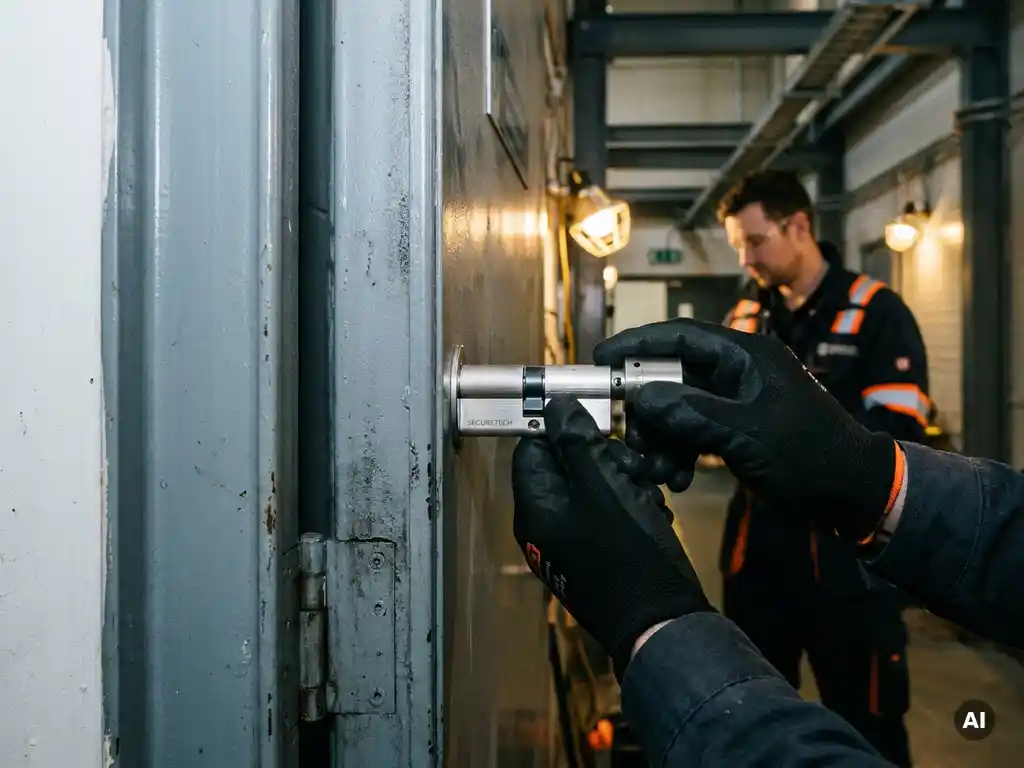
How do you install an access control system?
You install an access control system by mounting the appropriate hardware, connecting the controller to the network or power, and then configuring users and permissions in the software. The exact approach varies depending on the type of system and location, but the basic steps are similar for most installations. If you are unsure about the right choice for your situation, you can always contact with a specialist. In this article, we answer the most frequently asked questions about installing an access control system, from the necessary components to common mistakes.
Which components do you need for an access control system?
For a complete access control system, you need at least an access reader, a controller, an electric lock, and management software. Depending on the situation, a power supply, cabling, a door contact, and possibly an intercom or camera may be added. Each component has a specific function within the whole.
- Access reader: The device with which users identify themselves, via a card, PIN code, fingerprint, or smartphone.
- Controller: The brain of the system that processes access attempts and decides whether a door opens.
- Electric lock: The lock that physically locks or unlocks the door based on a signal from the controller.
- Power supply: A stable power supply, often with a backup battery in case of failure.
- Management software: The software you use to create users, set permissions, and view access logs.
- Cabling: The connection between all components, unless you are working with a wireless system.
For larger installations with multiple doors, you also add a central server or cloud platform. For a reliable access control It is important that all parts are compatible and of sufficient quality.
What are the steps for installing an access control system?
The installation of an access control system follows a fixed sequence: first planning and cabling, then mounting and connecting the hardware, and finally configuring and testing the software. Adhering to this order prevents errors and unnecessary reinstallations.
- Create an installation plan: Determine which doors will be secured, where the readers will be placed, and how the cabling will run.
- Pull the cabling: Lay network cables or power cables before you start assembling. This is the most time-consuming part.
- Mount the hardware: Mount the readers, controller, and electric lock in the correct positions.
- Connect everything: Connect the readers to the controller, the controller to the power supply, and the lock to the controller according to the manufacturer's diagram.
- Install and configure the software: Connect to the controller via the management software and configure the basic settings.
- Add users and set permissions: Create accounts for all users and define who has access to which door and at what time.
- Test the system: Check every door, every reader, and every schedule before putting the system into operation.
Which type of access control system suits my situation?
The type of system that best suits your needs depends on the size of your location, the number of users, and your security requirements. For small locations, a standalone system per door is often sufficient. Larger organizations or companies with multiple branches benefit more from a network- or cloud-based system.
Standalone systems
A standalone system operates independently per door and does not require a central server. It is easy to install and suitable for situations with one or a few doors and a limited number of users. The disadvantage is that you have to manage each door separately.
Network and cloud-based systems
A network-based system connects multiple doors to a single central controller or server. A cloud solution goes a step further: management is handled entirely via the internet, enabling remote management. This type is ideal for organizations with multiple locations or a large user group. Cloud solutions are becoming increasingly popular in 2026 due to lower maintenance costs and the flexibility they offer.
How do you configure users and permissions after the installation?
After installation, you configure users and permissions via the system's management software. You create a profile for each user, link an identification method such as a card or PIN code, and then determine which doors that user has access to and at what times.
Good access rights are based on the principle of least access: grant users access only to the spaces they need for their work. Use groups or roles if you have many users so that you can assign rights in bulk. Also, set up time schedules so that access outside working hours is automatically blocked. Regularly check the user list and remove accounts of employees who are no longer active. This prevents unauthorized access and keeps the system organized.
What are common mistakes when installing access control?
The most common errors during access control installation are poor cabling, incorrect reader placement, insufficient power supply, and skipping the testing phase. These errors lead to malfunctions, security vulnerabilities, or a system that does not function properly.
- Poor cabling planning: Excessively long cable runs or incorrect cable types cause signal loss and interference.
- Mounting readers in the wrong place: A reader that sits too high, too low, or is out of reach causes daily inconvenience for users.
- Insufficient nutrition: An insufficient power supply leads to random failures, especially in systems with multiple doors.
- Do not change default passwords: Controllers and software often come with default logins. Change these immediately after installation.
- Skip the test phase: Without thorough testing, you cannot be sure whether every component functions correctly under real-world conditions.
- No emergency plan for power outage: Without a backup battery or mechanical emergency lock, a power outage can block all doors or, conversely, force them open.
When should you hire a professional for the installation?
You hire a professional when the installation involves multiple doors, when complex cabling is required, or when the system needs to be linked to other security systems such as camera surveillance or a burglar alarm. Professional installation is also highly recommended for high security requirements.
A do-it-yourself installation is feasible for a simple standalone system at a single door, provided you are technically proficient. As soon as multiple doors, user groups, or integrations are involved, complexity increases rapidly. Errors in installation or configuration can lead to security vulnerabilities that are difficult to detect afterward. A certified installer is familiar with local regulations, knows which components are compatible, and can also maintain the system after delivery. For businesses, professional installation is almost always the wisest choice, both in terms of reliability and liability. Contact us Contact Sellox for a no-obligation consultation on the best approach for your situation.
Frequently Asked Questions
How long does it take on average to install an access control system?
The installation time depends heavily on the size of the system. A simple standalone system for a single door can be installed in half a day, while a network-based system with multiple doors can easily take one to several days. Cabling is typically the most time-consuming part, especially in existing buildings where walls and ceilings need to be drilled through. For larger installations, always factor in extra time for the testing phase and the initial configuration of users and permissions.
Can I replace an existing lock with an electric lock without major renovations?
In many cases, it is possible to replace an existing mechanical lock with an electric lock without extensive renovations, but this depends on the type of door and the frame. Electric locks come in various designs, such as electric strike plates, magnetic locks, and electric door locks, ensuring there is a suitable solution for almost every door construction. However, you must take into account running power cables to the lock, which in some situations requires some demolition work. If in doubt, have a specialist assess the situation on-site.
What happens to access control during a power outage?
In the event of a power outage without a backup, an electric lock can switch to two modes: 'fail-safe' (the door opens during a power failure, for escape routes) or 'fail-secure' (the door remains locked during a power failure, for secure areas). Which mode applies depends on the type of lock and the configured settings. To prevent undesirable situations, it is strongly recommended to install a backup battery or UPS (uninterruptible power supply) so that the system continues to function even during a power outage. Always discuss during installation which fail behavior is most suitable for each specific door.
Is a cloud-based access control system secure enough for sensitive business environments?
Modern cloud-based access control systems use encrypted connections, two-factor authentication, and regular security updates, making them secure enough for most business environments. Always choose a vendor that complies with the GDPR (General Data Protection Regulation) and is transparent about where and how data is stored. For environments with very high security requirements, such as data centers or government agencies, a local network-based system without an internet connection may be preferable. Always inquire about the platform's security certifications when purchasing.
How do I connect an access control system to my existing camera system or burglar alarm?
Most modern network- and cloud-based access control systems offer integration options via API connections or specific integration packages for common camera and alarm systems. In practice, this means, for example, that you can trigger camera recording the moment someone attempts entry, or activate an alarm upon a failed entry attempt outside working hours. Check in advance whether systems from different manufacturers are compatible, or deliberately choose a supplier that offers a fully integrated security package. A certified installer can technically perform and test the integration correctly.
How do I manage temporary access for visitors or contractors?
Most management software offers the ability to create temporary user profiles with an expiration date, so that visitors or contractors automatically lose access after a certain period. Some cloud solutions go even further and allow you to distribute one-time access codes or temporary badges via an app or web portal without needing to be on-site. It is good practice to deactivate or delete temporary accounts immediately after the visit or work is completed, even if an expiration date has already been set. This keeps the user list organized and minimizes the risk of unauthorized access.
What maintenance is required after the installation of an access control system?
An access control system requires periodic maintenance to continue functioning reliably. This includes regularly checking and updating the controller's management software and firmware, testing the backup battery, and physically inspecting readers, locks, and cabling for wear or damage. Additionally, it is important to keep the user list up-to-date by removing inactive accounts and reviewing permissions when roles change. Many vendors offer maintenance contracts in which a technician periodically checks the system and proactively resolves any issues.