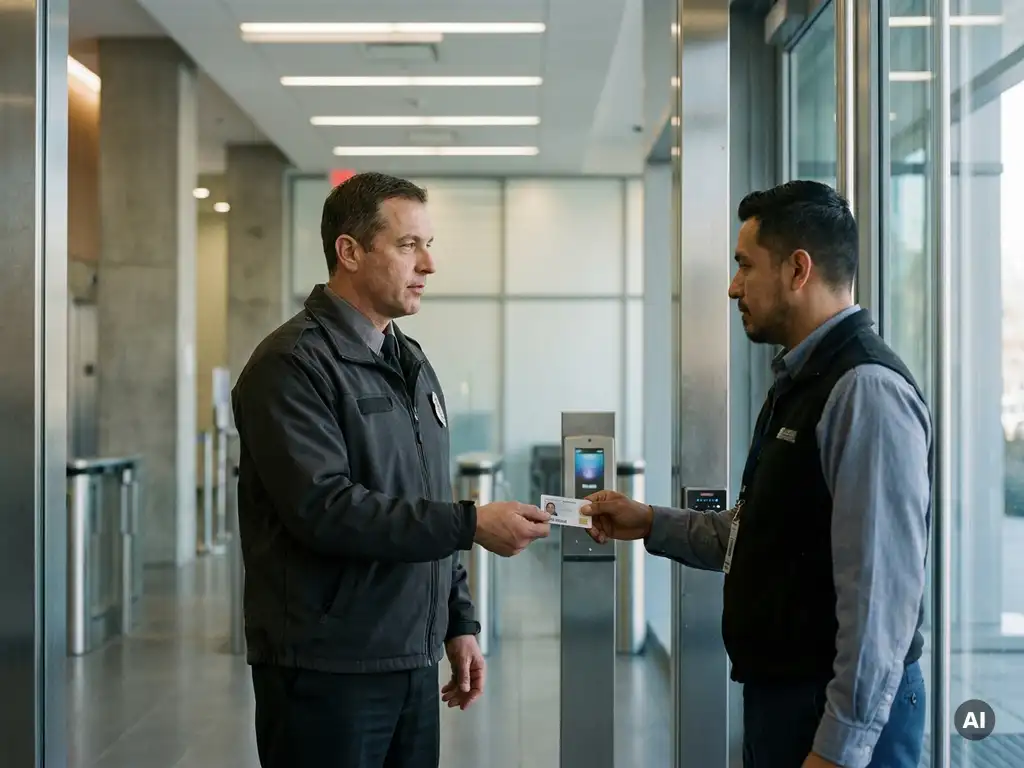
How do you arrange access for an external facility service?
For an external facility service, you arrange access by making clear agreements regarding which rooms, systems, and time windows are relevant to the work, and by recording that access in an access management system. This applies to cleaning companies, technical maintenance, catering, and other facility parties that enter your premises regularly or occasionally. The questions below will guide you through the process step by step. Do you have immediate questions about your situation? Feel free to contact us with Sellox.
What access rights does an external facilities service need?
An external facilities service requires access rights that are strictly tailored to the nature of the work. A cleaning crew needs access to office spaces and sanitary facilities, but not to server rooms or archives. A maintenance technician, on the other hand, needs access to technical rooms, but not to employee workstations.
The principle behind a well-designed access structure is minimum accessGrant external employees access only to the zones strictly necessary for carrying out their assignment. This limits security risks and makes it easier to verify afterwards who was where.
In practical terms, you translate this into specific access profiles per type of service provider. Think of:
- Cleaning: access to office floors outside office hours, no access to locked archive rooms
- Technical maintenance: access to basement, attic, and technical rooms at agreed times.
- Catering: access to kitchen, canteen, and optionally meeting rooms
- Security: depending on the assignment, sometimes full building access
How does temporary access differ from permanent access?
Temporary access is intended for one-off or short-term activities, such as a repair or inspection, and expires automatically after a set date or task. Permanent access applies to external parties that return for the long term, such as a regular cleaning service, and is periodically evaluated and extended.
The distinction is important to you access control, because both forms require a different approach:
- Temporary access It is preferably configured with a hard expiration date in the system. This way, access expires automatically without manual action.
- Structural access requires a review moment, for example every quarter or upon contract renewal. Without periodic checks, rights remain active for an unnecessarily long time.
A common mistake is treating temporary access as structural, resulting in external employees still having digital or physical access to the premises months or years after their assignment. This significantly increases the security risk.
Who is responsible for requesting access?
The responsibility for requesting access for an external facilities employee lies with the internal contact person or contract owner who outsourced the assignment. This is typically the facilities manager, the purchasing department, or the supervisor who concluded the contract.
In practice, this works best with a formal request process. The internal responsible person submits a request to the department that manages access, often Facilities, HR, or IT, depending on the organizational structure. That department checks whether the request complies with the policy and subsequently grants access.
Ensure that this process is documented in writing or digitally. This ensures that it is always traceable who requested access, for whom, and based on which instruction. This is useful not only during incidents but also during audits or contract terminations.
What information do you need to register with an external facilities employee?
When granting access to an external facilities employee, you must register at least the following details: name, employer or supplier, contact person within your own organization, the permitted zones, the validity period of the access, and the purpose of the work.
Depending on the sensitivity of the property or the work, additional information may be relevant:
- Copy of an identity document or employee ID card from the supplier
- Result of a Certificate of Conduct (VOG), if applicable
- Vehicle license plate upon access to a secured site
- Name of the manager at the supplier
Take the GDPR into account during registration. Store only data that is necessary and do not retain it longer than necessary. Specify in your privacy policy how you handle the personal data of external employees.
How do you revoke access at the end of a contract?
Upon expiration of a contract, you revoke access by deactivating all active access rights of the relevant external employees in the access management system, collecting physical keys or passes, and blocking or deleting any digital login credentials. This must take place on the last working day or contract date.
A structured offboarding process prevents continued access after the end of a collaboration. Include the following steps in that process:
- Set an end date at the start of access granting, so that rights automatically expire.
- Send a reminder to the internal contact person one week before the contract end date.
- Check afterwards whether all items, such as passes and keys, have been collected.
- Delete or archive the access credentials in accordance with the retention policy
Organizations that work with an automated system can set expiration dates that automatically block access. This reduces the risk of human error and ensures consistent compliance with security policies.
Which systems are used for access management of external parties?
Electronic access control systems are typically used for managing access for external parties, supplemented by visitor registration software and sometimes an integration with HR or contract management systems. The choice depends on the size of the premises, the number of external employees, and the desired level of security.
Electronic access control systems
These systems work with cards, keys, or biometric verification and automatically register who enters which room and when. External employees receive a temporary profile with limited rights. Popular applications include RFID-based systems or smart locks that can be managed remotely.
Visitor registration and digital logbooks
For occasional visitors or external staff who do not come every day, a digital visitor registration system at the reception is sometimes sufficient. This records the name, time of arrival and departure, and the purpose of the visit. This complements the electronic access system and provides a clear logbook for subsequent verification.
Do you want to know which system best suits your organization and how to set up professional access management for external parties? Contact us with Sellox for tailored advice.
Frequently Asked Questions
What do you do if an external employee loses their access card?
Block the lost pass immediately in the access control system as soon as the loss is reported. Record the incident in writing, inform the internal contact person and the supplier, and only issue a new temporary pass after confirming the employee's identity. This prevents a lost pass from being misused for unauthorized access.
How do you handle external employees who need access outside office hours?
Set time windows within the access control system so that an external employee's access card is only active during the agreed hours, for example from 06:00 to 08:00 for a cleaning crew. Outside these windows, access is automatically denied without the need for manual intervention. Also, document these time windows contractually with the supplier to clarify expectations.
Does every individual employee of an external party need to be registered, or is the registration of the company sufficient?
Each individual employee must be registered separately, not just the company for which he or she works. Company-level access provides no insight into who specifically was present at what time, which is essential during incidents, audits, or contract terminations. Therefore, always ask the supplier to provide an up-to-date list of employees who require access, and update that list when personnel changes occur.
What is a common mistake when setting up access for external facility parties?
One of the most common mistakes is granting overly broad access rights out of convenience, for example, full building access to a cleaning employee who only needs to clean the office floors. This unnecessarily increases the security risk. Always work according to the principle of minimum access and define a specific access profile for each type of service provider that is regularly evaluated.
How do you inform external employees about the access rules and security policy?
Send a concise set of house rules or an access protocol at the start of the collaboration, and have the external employee or supplier confirm this in writing. During the initial granting of access, discuss which zones are permitted, what behavior is expected, and the procedure for incidents. By clearly stating expectations in advance, you reduce the likelihood of unintended violations.
How do you link access management to contract management so that rights expire automatically?
When creating an access profile, always set the contract end date as the expiration date in the access management system. Some systems offer a direct link to contract management software, allowing access rights to be automatically revoked as soon as a contract expires. If such a link is missing, set up automatic reminders for the internal contact person one week before the end date so that timely action is taken.
Is an access control system also suitable for small organizations with few external parties?
Yes, smaller organizations also benefit from a structured access management system, although it does not always have to be an extensive electronic system. A combination of a digital visitor log, a simple key management register, and clear agreements with suppliers can already form a solid foundation. As the number of external parties or the security level increases, it is wise to invest in a scalable system that grows with the organization.